Retail POS Management System
Retail POS Management System has been designed to smoothen daily business processes in retail stores. It conveniently handles operations such as purchases, sales, returns, customer billing, supplier management, payments, expenses, accounting, sales analysis, and more. Moreover, it is scalable and can handle small to large-sized businesses. This solution also offers an integrated Inventory Management control module to manage inventories, transfers, warehouses and adjustments, loyalty cards, orders queue kitchen display, and much more. Please note that Retail POS is a Windows desktop application, and compatible with Windows Operating Systems only. Retail POS is suitable for a variety of retailing industries, including grocery shops, furniture stores, salons, tailoring shops, to name a few.
Supermarket, Mini Mart, Grocery, Gift and Flower Shop, Boutique Shop, Garments, Mobile Shop, Computer Shop

Benefits of retail POS software
Retail POS systems bring many benefits to retailers aside from simply completing transactions. These include:
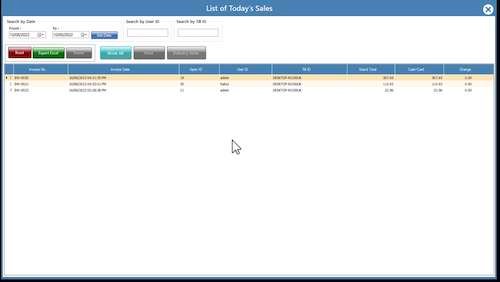
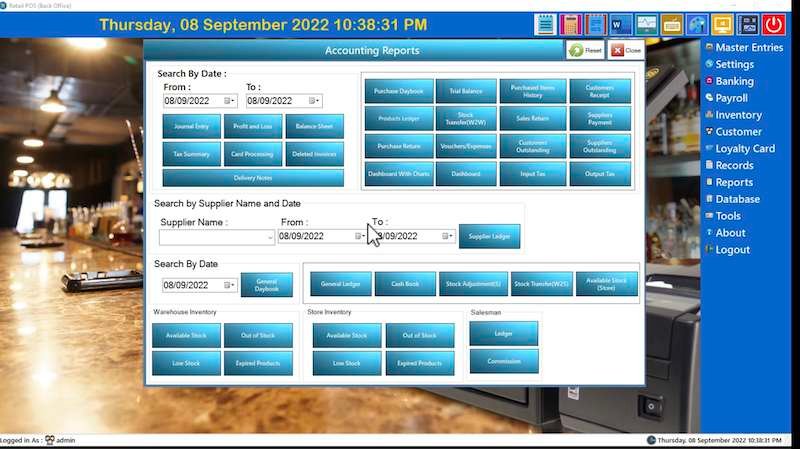
- Sales reporting and analytics: Provides retailers with insight into their sales, helping them make informed decisions that strengthen the business.
- Inventory management: Automates stock control and helps retailers determine optimal product counts and when and how to reorder top selling products.
- Customer management capabilities: Help retailers automatically record and track valuable customer information, enabling stronger relationships and encouraging repeat business.
- Accounting: Manages the process of generating customer invoices and receiving payments as well as tracking all payments made to partners and vendors.
- Purchase orders: Tracks items and amounts ordered, including date of order, shipping information and progress.
- Loyalty program: Manages and tracks customer loyalty by providing rewards or points for purchase frequency or other incentive goals.
- Targeted marketing: Allows retailers to segment customers and create mailing lists based on custom criteria such as items purchased, total amount spent etc.
- Loss prevention: Monitors inventory levels and purchase orders and reports discrepancies or missing quantities.
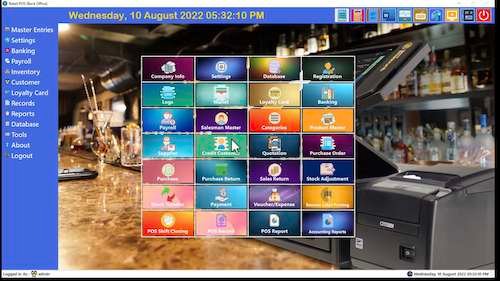
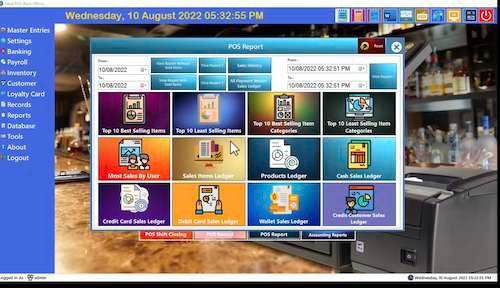
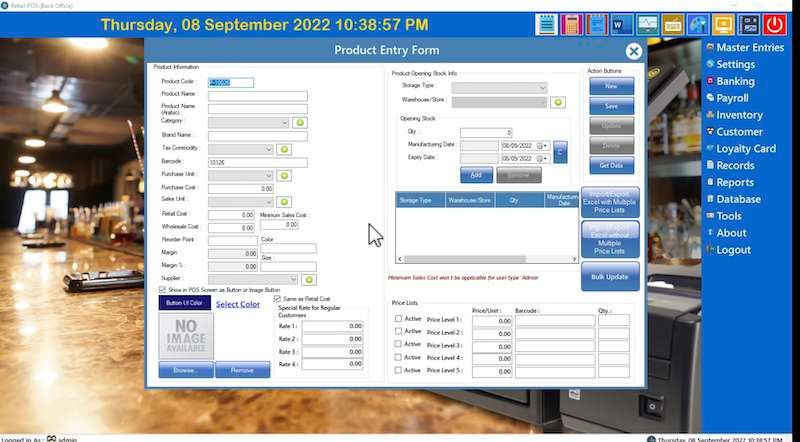
Back Office: Full support for all the documents required in the store, Full management, Recording and storing Database,Verification of prices and Labels, Logs, Payments, Attributes to the goods, POS Record and Report. In short, The Back Office Module Manages the whole system of POS Retail Software.
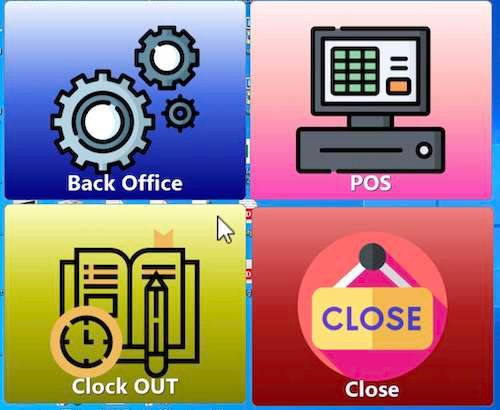
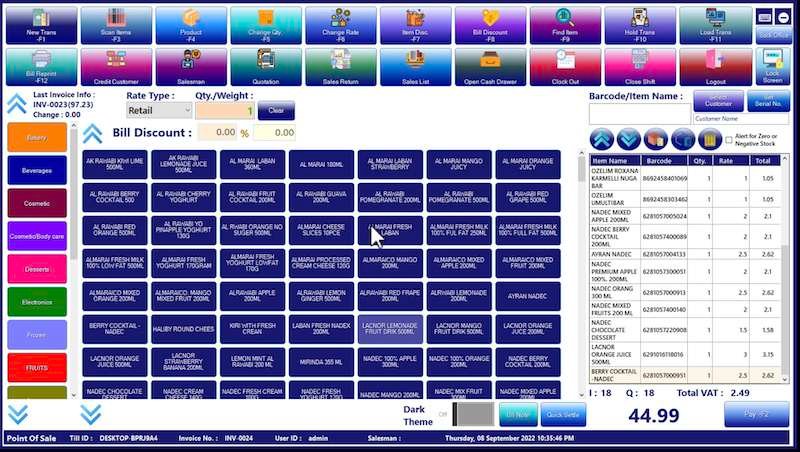
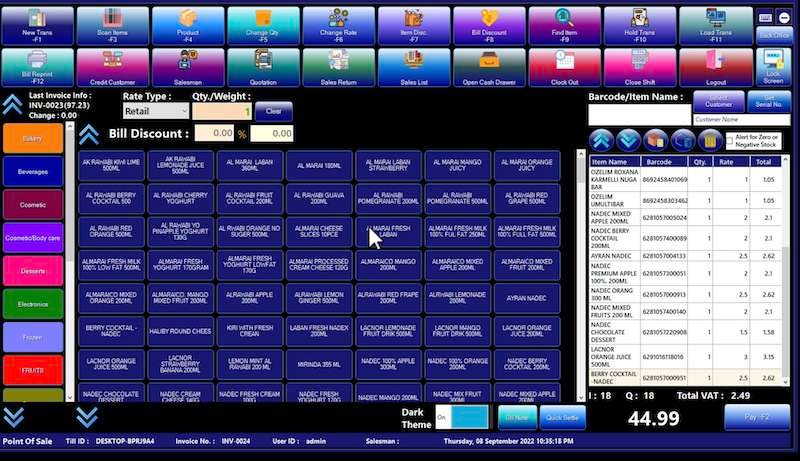
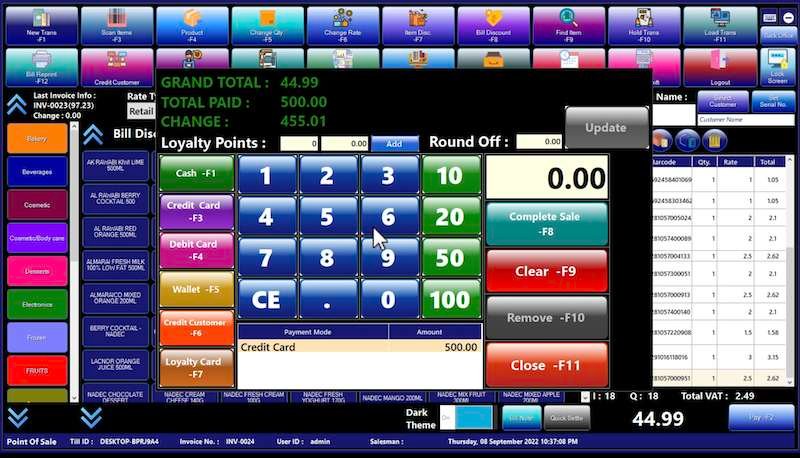
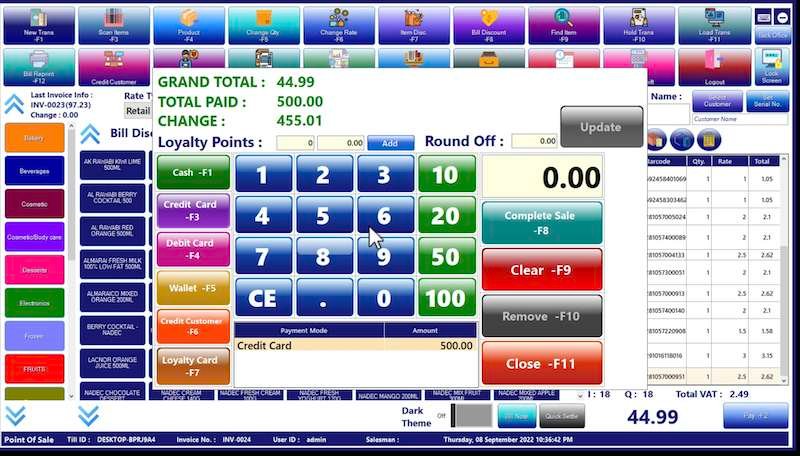
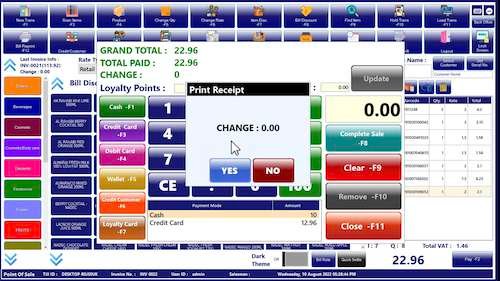
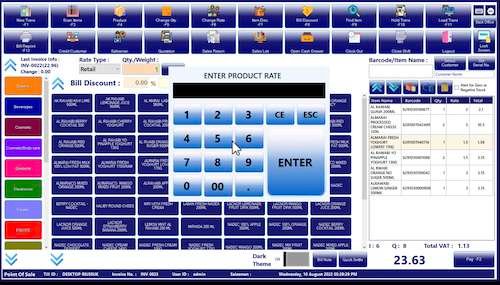
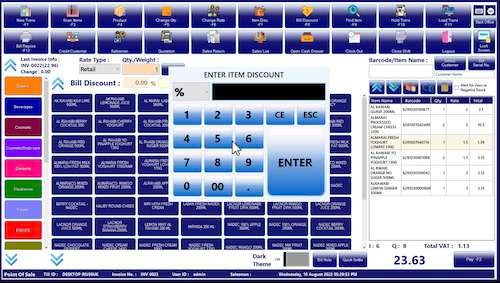
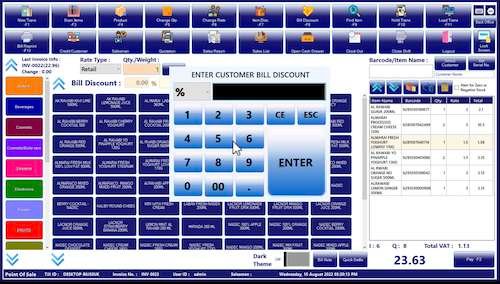
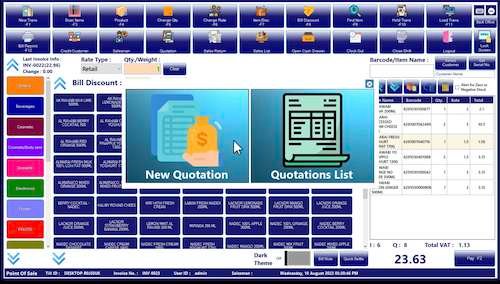
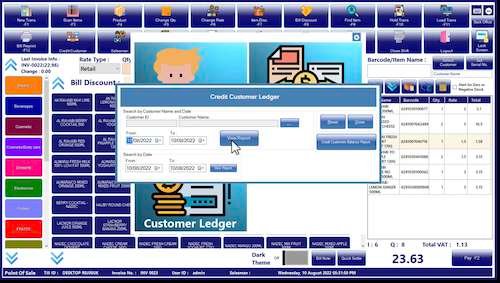
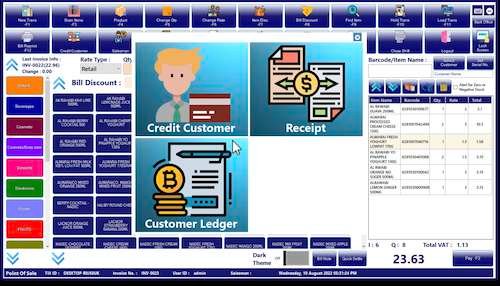
Front Office: In front office you can see – Drop cash amount while login to POS billing screen, Fetch products by Scan barcode or you can find by Produt Name, Product Category etc, (Credit Customer Module, POS Record, Sales Return, Product Module access in POS Screen with User Permission)
Login Screen: LOG IN SCREEN – Since we have very motivated software , it has the security system to access. Here, Authorised employees enter their PIN and their ID
Store Info:Create company master details as per your company information which includes the Information like Company Name, Mailing Name, Company Email, Postal Code, Fax Details, License Number, Currency etc.
Store Settings: System includes Terminal Settings, Email/SMS settings, Expense related Settings,TAX settings etc.
USER ACTIVATION: Admin can add shop employees here. List of Registered Users gives the information about Employees User Id , User Type whether it is customer, cashier, manager distributor etc.User Name, Email ID, Contact No and their status – Active Or Non-Active are the rows provides in User’s registration Form.
USER LOG DETAILS: LOGS – Admin can check the Login and Logout details of the employees.